Rss

Archives for : php tutorial

HOW TO MAKE LOGIN FORM (register.php)

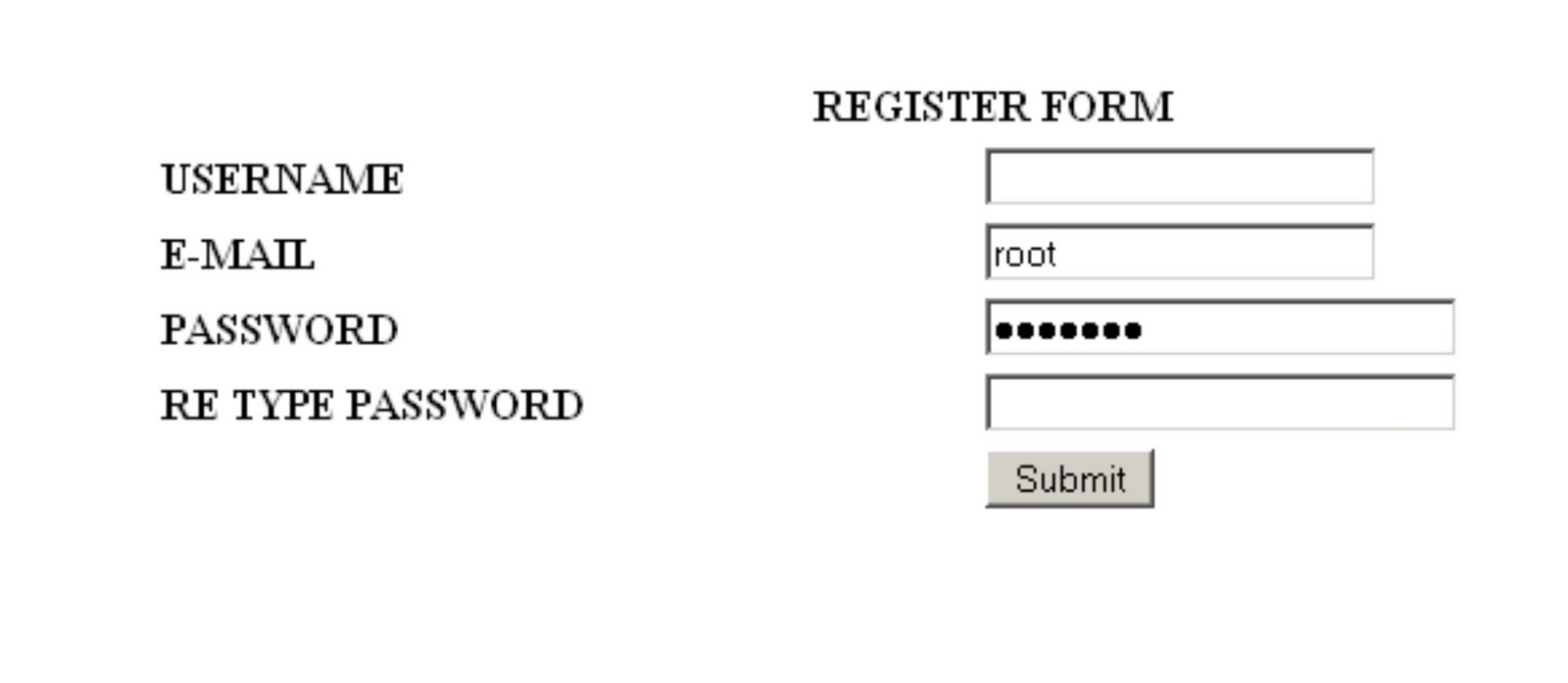
In this lesson, we build register form for our registration page. This is the code to make the form:

name it “register.php”

<form id="form1" name="form1" method="post" action="validate.php">
<p> </p>
<p> </p>
<div align="center">
<table width="50%" border="0" cellspacing="2" cellpadding="2">
<tr>
<th colspan="2" scope="col"><div align="center">REGISTER FORM</div></th>
</tr>
<tr>
<th width="49%" scope="row"><div align="left">USERNAME</div></th>
<td width="51%"><label>
<input type="text" name="username" id="username" />
</label></td>
</tr>
<tr>
<th scope="row"><div align="left">E-MAIL</div></th>
<td><input type="text" name="email" /></td>
</tr>
<tr>
<th scope="row"><div align="left">PASSWORD</div></th>
<td><input type="password" name="password" size="25" /></td>
</tr>
<tr>
<th scope="row"><div align="left">RE TYPE PASSWORD</div></th>
<td><input type="password" name="password2" size="25" /></td>
</tr>
<tr>
<th scope="row"><div align="left"></div></th>
<td><label>
<input type="submit" name="ok" id="ok" value="Submit" />
</label></td>
</tr>
</table>
</div>
<p> </p>
</form>

preview:
How to get user’s IP and hostname in PHP

To get user’s IP and hostname:


Regular Expression PHP


Regular Expression Will match…
foo The string “foo”
^foo “foo” at the start of a string
foo$ “foo” at the end of a string
^foo$ “foo” when it is alone on a string
[abc] a, b, or c
[a-z] Any lowercase letter
[^A-Z] Any character that is not a uppercase letter
(gif|jpg) Matches either “gif” or “jpeg”
[a-z]+ One or more lowercase letters
[0-9.-] Аny number, dot, or minus sign
^[a-zA-Z0-9_]{1,}$ Any word of at least one letter, number or _
([wx])([yz]) wy, wz, xy, or xz
[^A-Za-z0-9] Any symbol (not a number or a letter)
([A-Z]{3}|[0-9]{4}) Matches three letters or four numbers

PHP tutorial Part8

INSERT THE ANOTHER PAGE on PHP

You don’t have to rewrite the same code in every page in your web if the code is must be declare in every page. You can use INCLUDE or REQUIRE to call the other page, so you don’t have to write on every page the same code.

INCLUDE
to easily know the function of REQUIRE, read the example below.
For example:
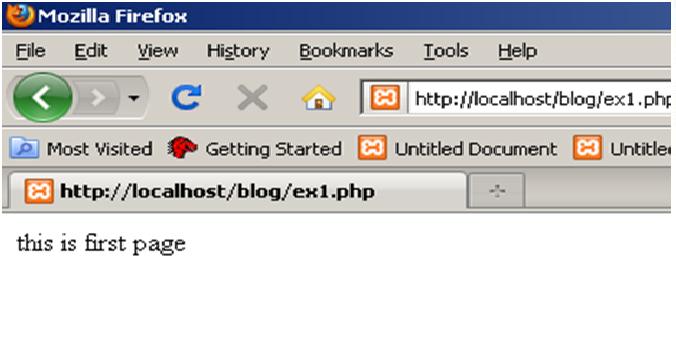
Ex1.php:


<?
echo ("this is first page");
?>

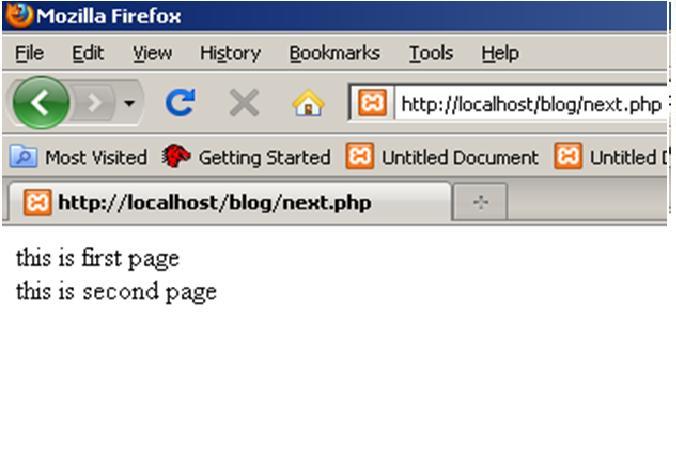
Next.php

<?
include "ex1.php"; ?>
<br />
<?
echo ("this is second page");
?>

See? That make you don’t have to write the static code each page.

REQUIRE
Now, how if we change the function from INCLUDE become REQUIRE.
Next.php


<?
require "ex1.php"; ?>
<br />
<?
echo ("this is second page");
?>

The page seems same as INCLUDE function. So, what’s the different?
Let me tell you. How if the page that you call is currently unavailable?

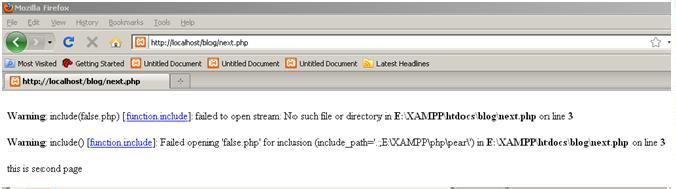
With INCLUDE function:


<?
include "false.php"; ?>
<br />
<?
echo ("this is second page");
?>

The page will show message error, but still execute the page itself.
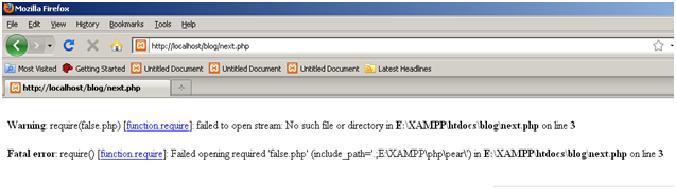
How about REQUIRE method?


<?
require "false.php"; ?>
<br />
<?
echo ("this is second page");
?>

The page show error message and not execute the page itself.

What function will you use is depend on what information on that page.

PHP tutorial Part7

KNOW ABOUT POST

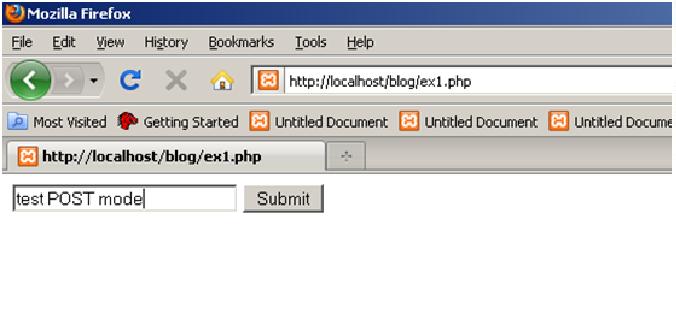
After you learn about HTML, you will know that HTML has method “POST” to send information for from PAGE into another page.

For example:

Previous.php

<html><body>
<form action="next.php" method="post">
<input type="text" name="var" size="25"/>
<input type="submit" value="Submit">
</form>
</body></html>


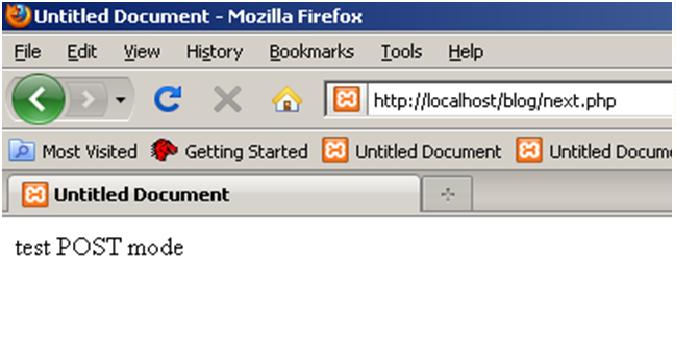
In other page (next.php) you can get the value of variable that declared in previous page.

Next.php


<?
$var =$_POST[var];
Echo ($var);
?>

As you see on picture above, variable can be used in other page. This method is very useful for input from user when you use webpage that use login form.

PHP tutorial Part6

LOOP
Loop is used to repeat the PHP codes. If you want to repeat the codes of PHP for several conditions, you don’t have to write it all, just use loop.
WHILE
While is used to loop the codes inside the {} when the condition is TRUE.
For example:

<?
$a = 1;
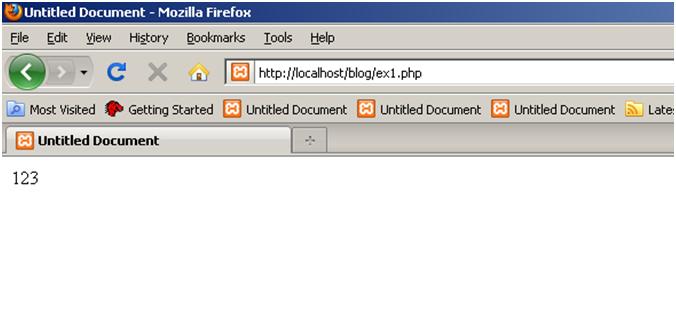
while ($a < 4) {
echo ($a);
$a = ++$a;}
?>

FOR
FOR is loop method that the counter of the variable is declared for first time.
For example:

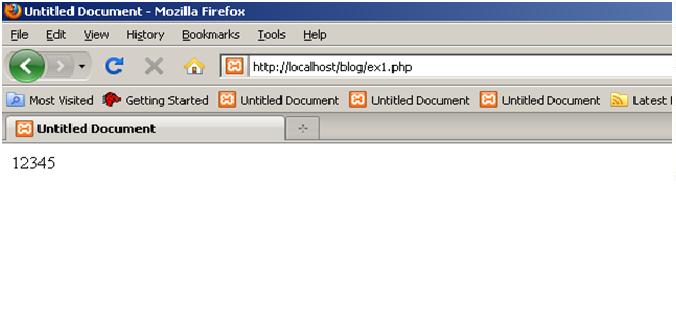
for ($var= 1; $var <= 5; $var=++$var)
{
echo $var;
}

PHP tutorial Part5

CONDITIONAL STATEMENT

IF
The syntax to write “IF” function in PHP is

<? If (condition){ statement;} ?>

The code above, when the condition is right, so the system will execute the statement. If not, the system will neglect the statement inside the {}.
If you want to make another statement if the condition is FALSE, you can use “ELSE” after “IF”.
For example:

<? If (condition) {Statement_a}
Else {statement_b;} ?>

*important note: if you put ELSE function, don’t put the (;) on the end of IF statement (true statement). PHP read the IF ELSE function as one pair of code.
If you have more than two conditions, maybe three, you should use ELSEIF function.
For example:

<?
If (condition ){statement_a}
Elseif {statement_b}
Else {statement_c;}
?>


SWITCH
Switch usually used when the condition is more than three conditions.
For example:

<?
Switch (variable)
Case case1;
Statement_a;
Case case2;
Statement_b;
Case case3;
Statement_c;
Case case4;
Statement_d;
Break;
?>

PHP tutorial Part4

ARRAY

Array is Index that allows you to make one variable for variety of value. Array can be declare with numeric or string.

For Example:

or

PHP tutorial Part3

Arithmetic Operator
There are several operator for Arithmetic that we use on PHP. Like others programming language, PHP have common operator.
(+) adder:
(-) subtract:
(/) divider :
(*) multiplier :
(%) mod:

For example:

TRUE AND FALSE
Compare the variable is used to make decision of the program. You can use the comparison for two objects or more.
For Example:

In example above, the value is TRUE. In PHP, it will be printed as “1” for TRUE.

As you know, the value of the comparison above is FALSE, so—the echo mode will not printed it on your webpage.

There are several symbol of comparison which is used in PHP:
• == : equal to
• != : not equal to
• < : less than • > : more than
• <= : less or equal to • >= : more or equal to

INCREMENT AND DECREMENT
You can increase and decrease your variable value with simply code.
For example:

PHP tutorial Part2

Syntax of PHP

When you start to write PHP, you must type the ‘box’ so that code of PHP can be read by the webserver.
Example:

<? . . . . ?>

Write word in php
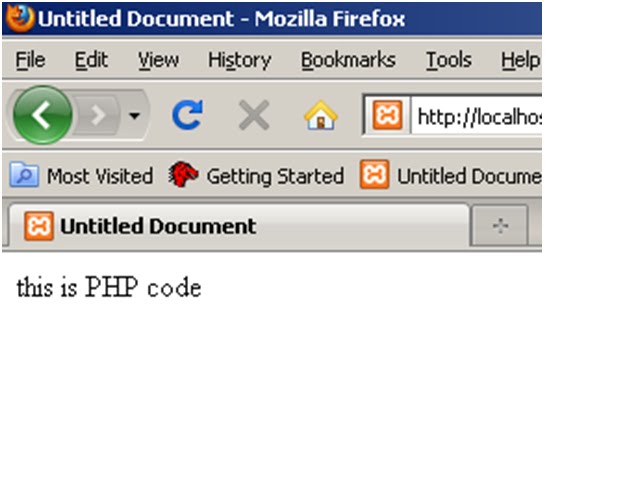
If you want to start write in PHP (not in HTML mode), you should put “echo” in order to make word visible.
For example:

<html xmlns="http://www.w3.org/1999/xhtml">
<head>
<meta http-equiv="Content-Type" content="text/html; charset=utf-8" />
<title>Untitled Document</title>
</head>
<? echo ("this is PHP code")?>
<body>
</body>
</html>

Semicolon (;)
You will use semicolon to separate the code of PHP.
For example:

<? Echo (“Hi there!”);
Echo (“Hi there!”);
Echo (“Hi there!”);
Echo (“Hi there!”);

Echo (“Hi there!”);
?>

Make variable for PHP
In PHP, you must always remember that name of variable must be declare with ‘$’.
For example :

<?
$variable = “Hi there!”;
$variable2 = 1;
$variable3 = 3;
?>

Show the value of Variable with Echo
If you want to declare your variable value, you can use echo for this case.
For example:

<?
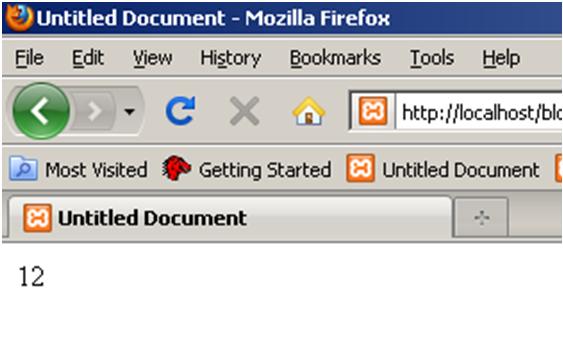
$variable = 12;
Echo $variable;
?>

Give comment in PHP
In PHP, if you want give some comment in order to help you and others to know what the means of your code, you must put “//” for one row and /* . . . */ for more than one row. The comment will not be printed in your webpage. So, don’t worry to put the comments to help yourself.
For example:

<?
Echo (“this is my first PHP . . . .”); //and this is the comment
?>

or


<?
Echo (“this is my first PHP”);
/* don’t worry . . .
It will not be printed in your webpage
*/
?>